Thursday - 31st August
This lesson, I tried updating my blog with photoshop edits of my photos that I took during the weekend, but Blogger wouldn't upload my photos.

The Weekend
On the weekend, I went to the Western Sydney Uni open day in an attempt to capture some Bresson-influenced compositions.
This photo was from the Friday before the Weekend.
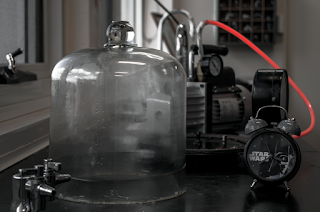
ISO: 100
Shutter Speed: 1/320
Aperture: f/8
photoshop edits:
-100 highlights
-1.04 exposure
-33 shadows
-100 whites
+3 blacks
The following is from the weekend, when I went to the Western Sydney Uni open day.
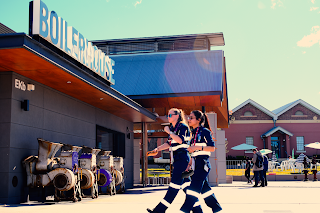
ISO: 100
Shutter Speed: 1/200
Aperture: f/8
Photoshop edits:
-37 brightness
+7 contrast
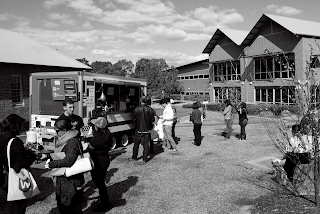 ISO: 100
Shutter Speed: 1/320
Aperture: f/9
Photoshop edits:
- black and white filter
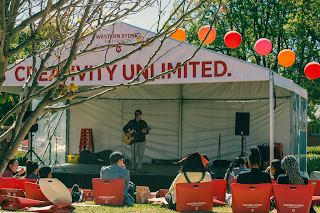 ISO: 200
Shutter Speed: 1/400
Aperture: f/11
Photoshop edits:
Crop from the bottom left corner inwards.
This photo was from the Friday before the Weekend.

ISO: 100
Shutter Speed: 1/320
Aperture: f/8
photoshop edits:
-100 highlights
-1.04 exposure
-33 shadows
-100 whites
+3 blacks
The following is from the weekend, when I went to the Western Sydney Uni open day.

ISO: 100
Shutter Speed: 1/200
Aperture: f/8
Photoshop edits:
-37 brightness
+7 contrast
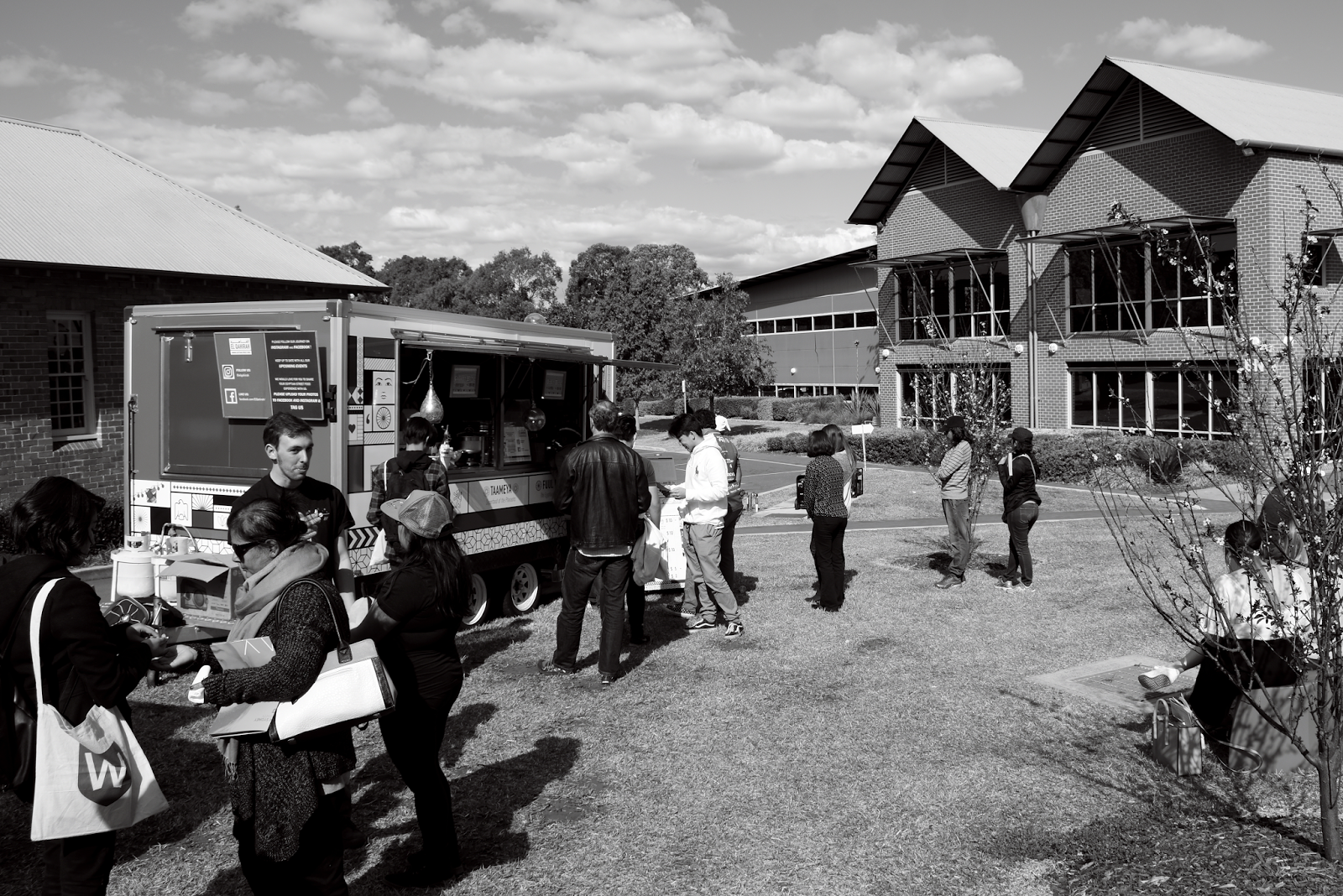
Shutter Speed: 1/320
Aperture: f/9
Photoshop edits:
- black and white filter
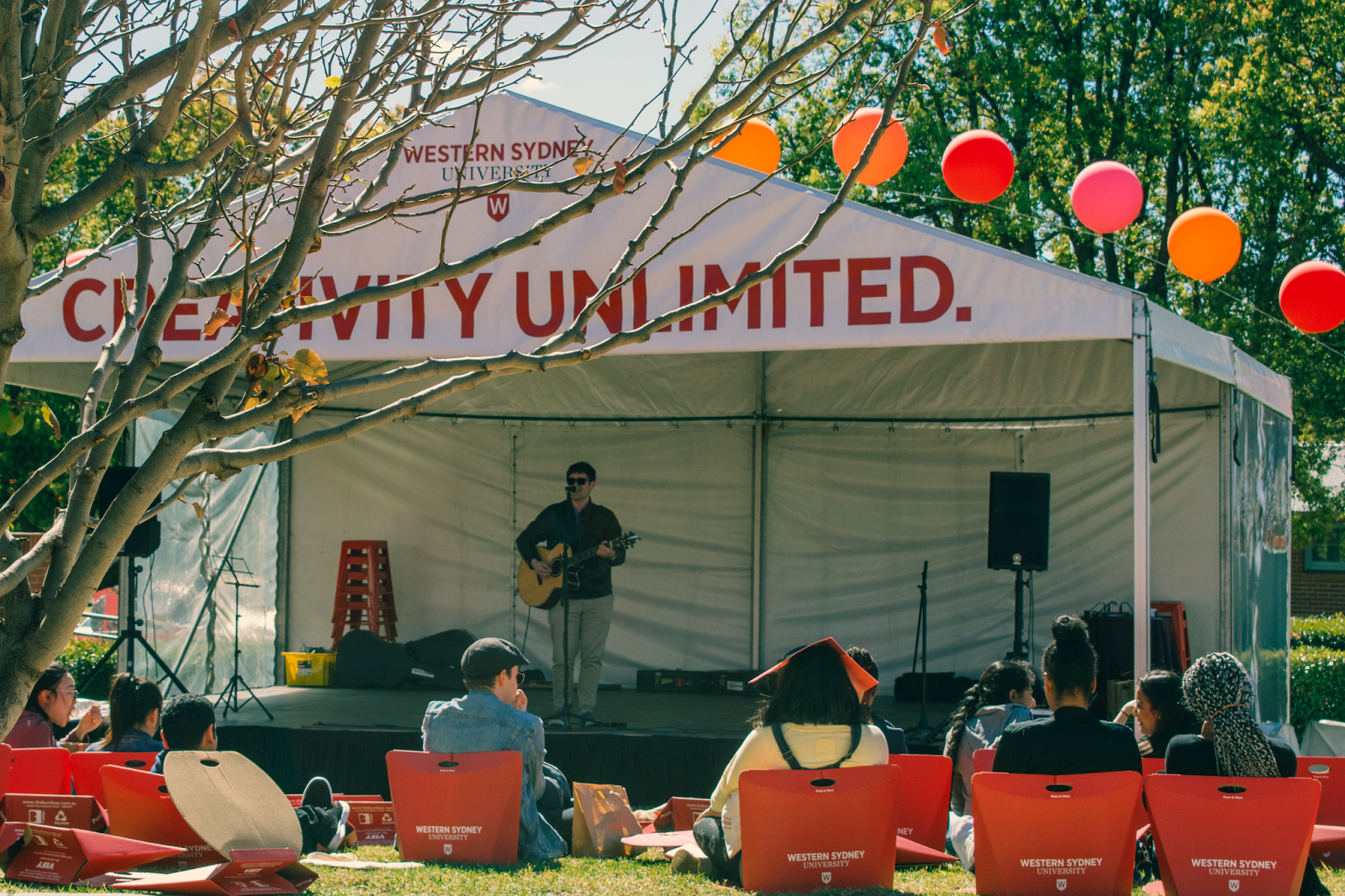
Shutter Speed: 1/400
Aperture: f/11
Photoshop edits:
Crop from the bottom left corner inwards.
Friday 25th August - What I did this lesson.
Screen Capture
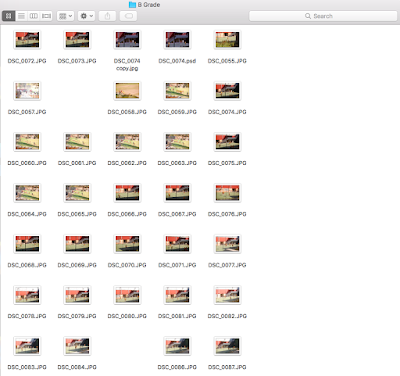
With some photos, I used photoshop and did some editing.
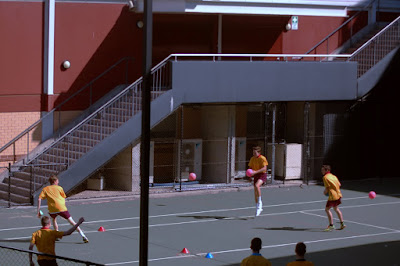

I borrowed a school camera for the weekend, but at lunch, I went to Mr. Ku's Physics tutorial to try and get some photos. This was the only decent photo that I created.
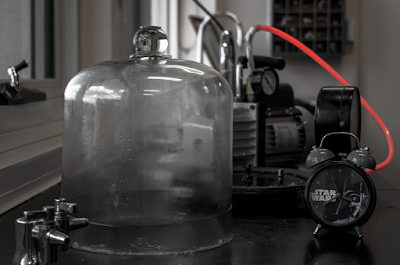
ISO: 100
Aperture: f/4.8
Shutter Speed: 1/20
Colour selection tool used on the camera
Photoshop edits:
Selective colour edits -->
Red colour layer:
Cyan =30%
Magenta =68%
Yellow =53%
Black = 26%
White colour layer:
Cyan =100%
Magenta =6%
Yellow = -100%
Black = -100%

With some photos, I used photoshop and did some editing.


I borrowed a school camera for the weekend, but at lunch, I went to Mr. Ku's Physics tutorial to try and get some photos. This was the only decent photo that I created.

ISO: 100
Aperture: f/4.8
Shutter Speed: 1/20
Colour selection tool used on the camera
Photoshop edits:
Selective colour edits -->
Red colour layer:
Cyan =30%
Magenta =68%
Yellow =53%
Black = 26%
White colour layer:
Cyan =100%
Magenta =6%
Yellow = -100%
Black = -100%
Monday 21st August - What did I achieve today?
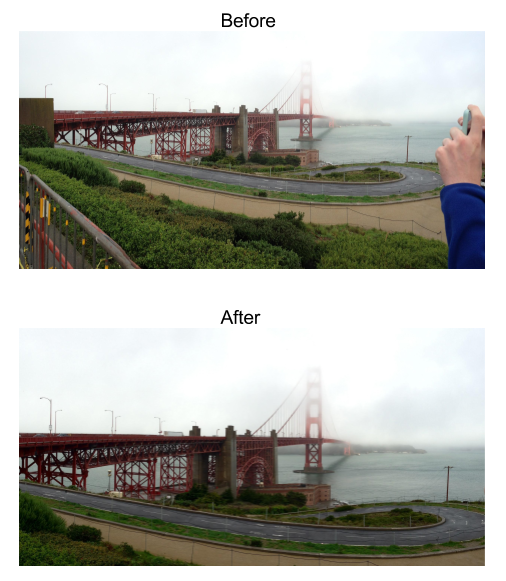
This lesson, I created a mind map for the ideas for my Cartier inspired artwork. After that, I was finished and I decided to revisit some of my older work in photoshop.

Friday 21st July
This lesson, I was able to finish my PDM Booklet and I have started working on my oral presentation. However, I am struggling to find instructions on what to do in the oral presentation slideshow.
Thursday 20th July
This lesson, I continued work on the PDM Research Booklet. However, I got stuck on PRACTICE - ART CRITICISM and PRACTICE - ART HISTORY.
Wednesday 19th July

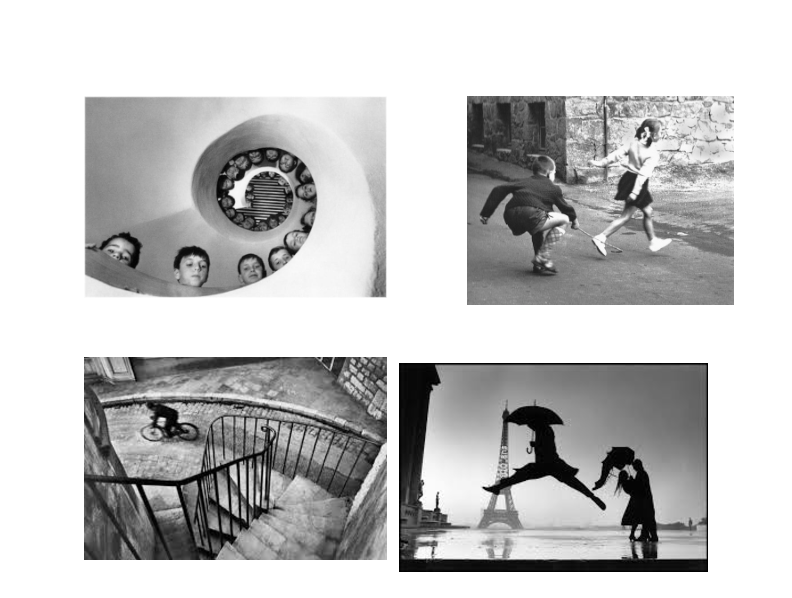
Here is some of his work:

Subscribe to:
Posts (Atom)