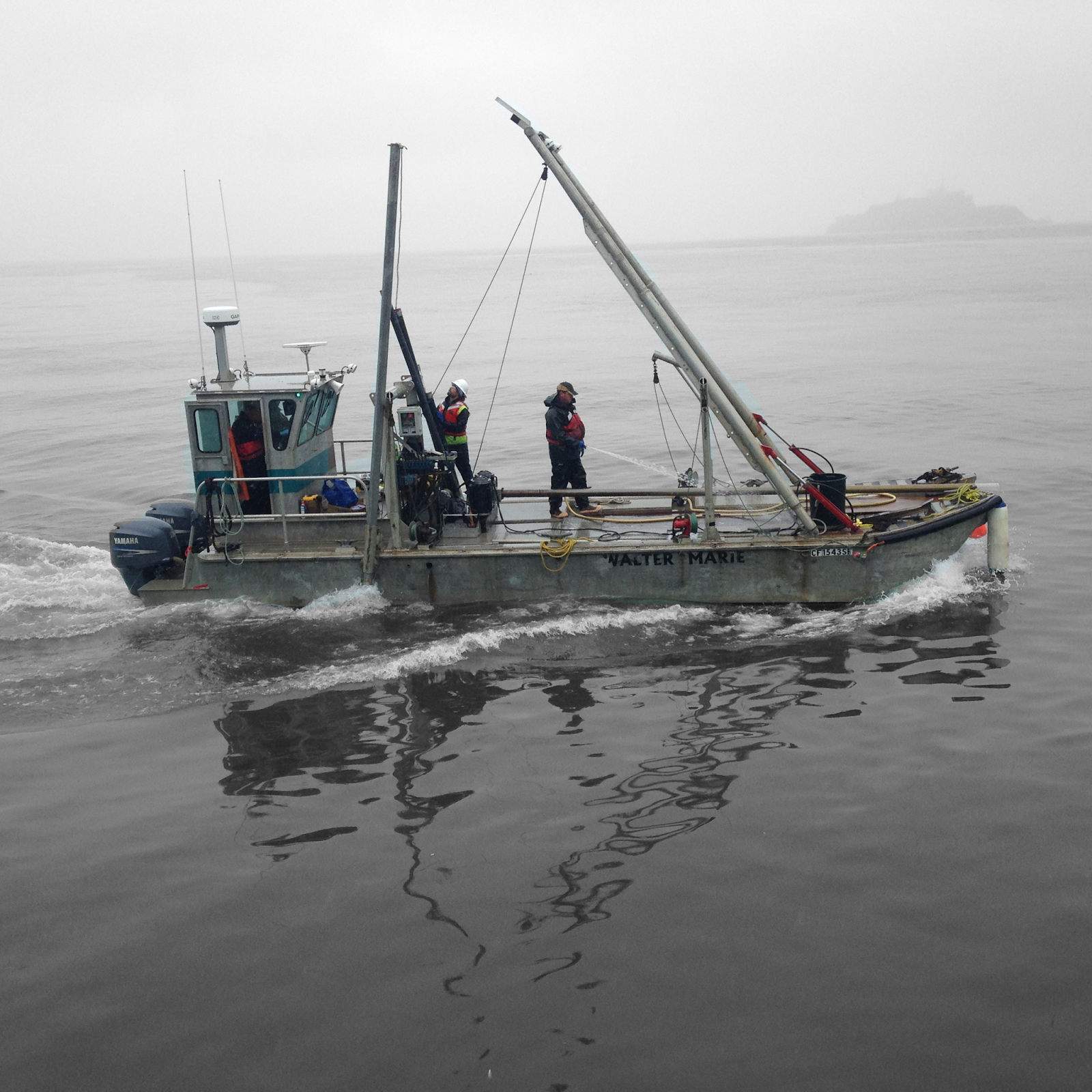
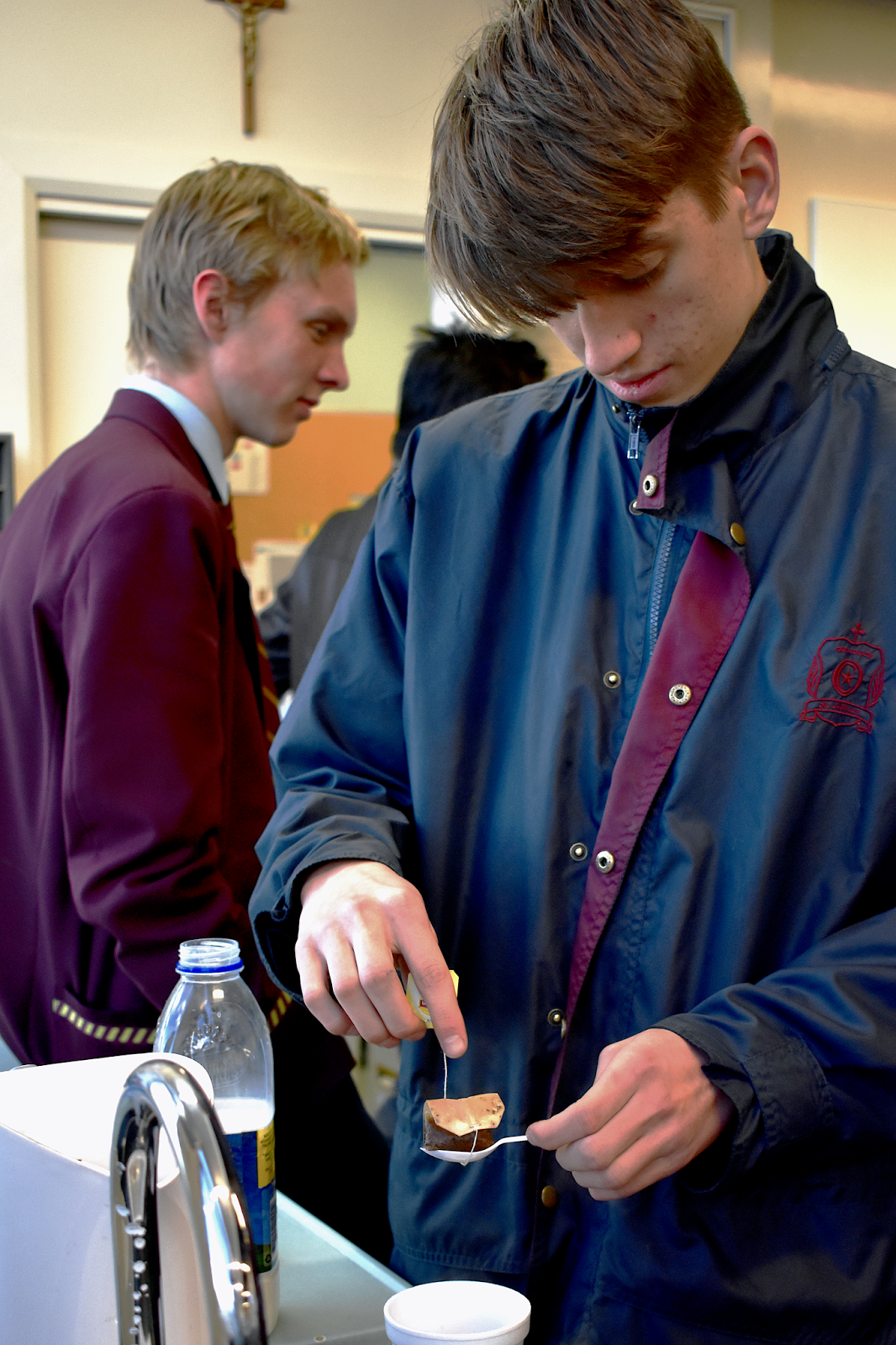
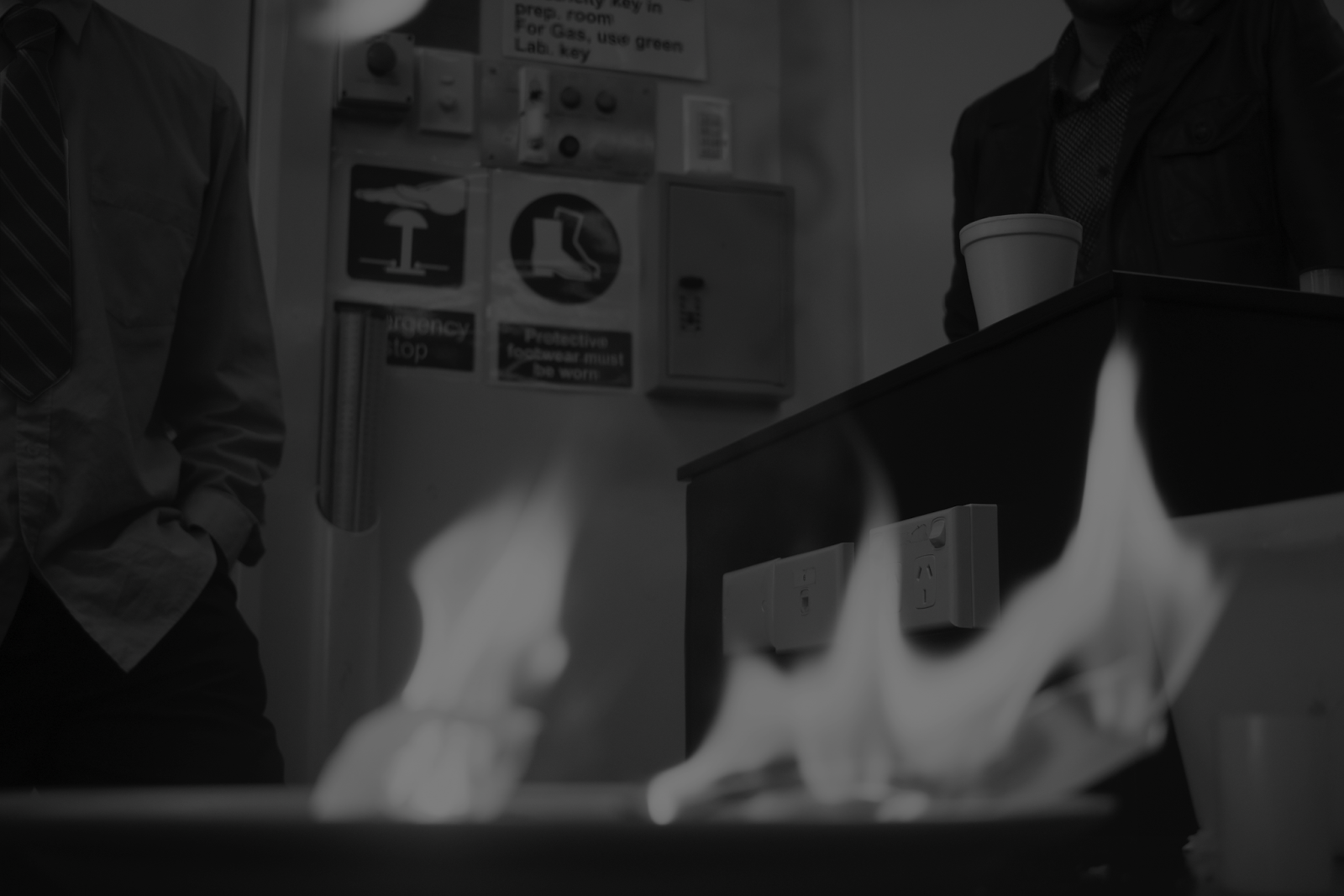
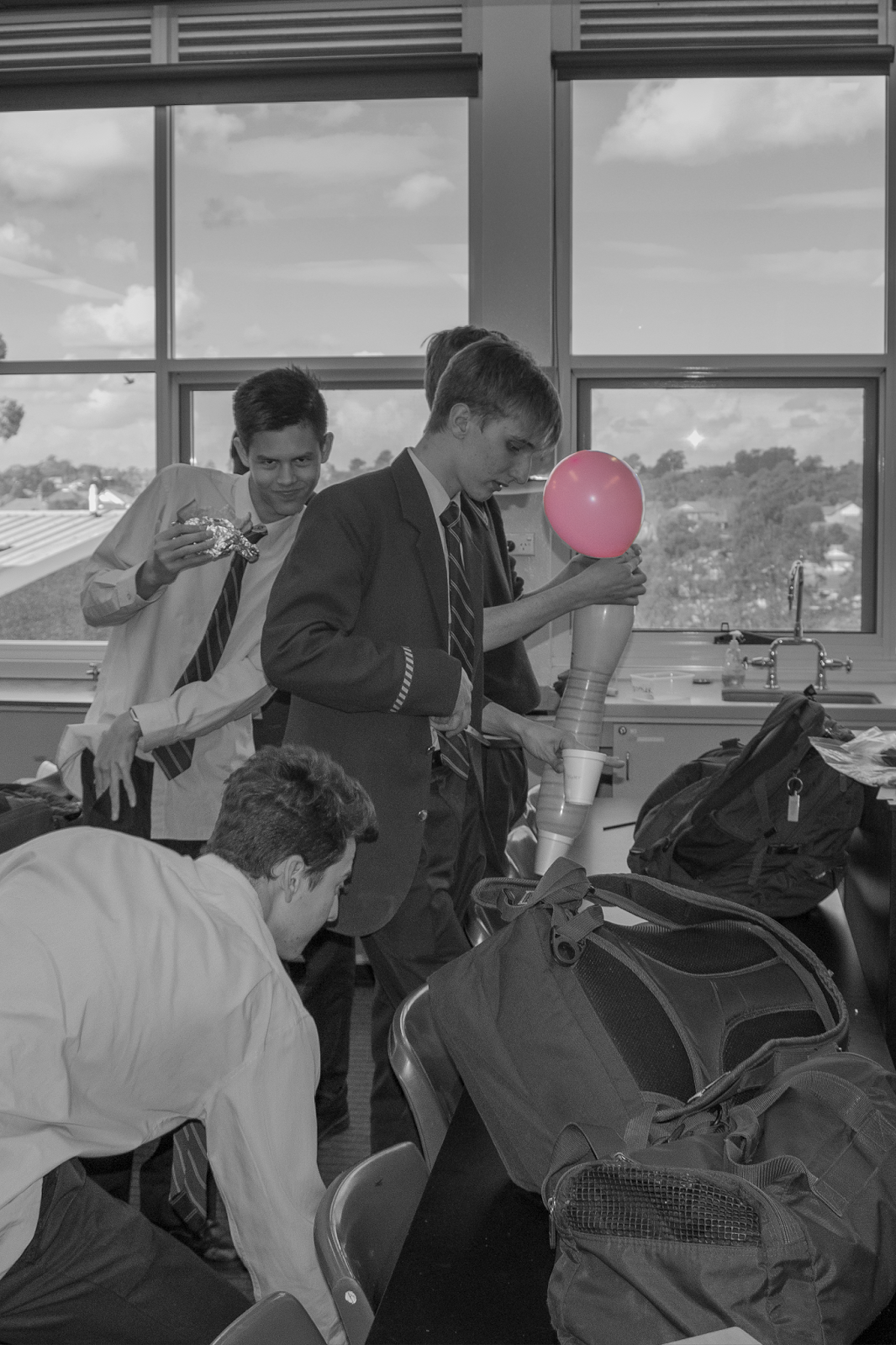
Camera Settings
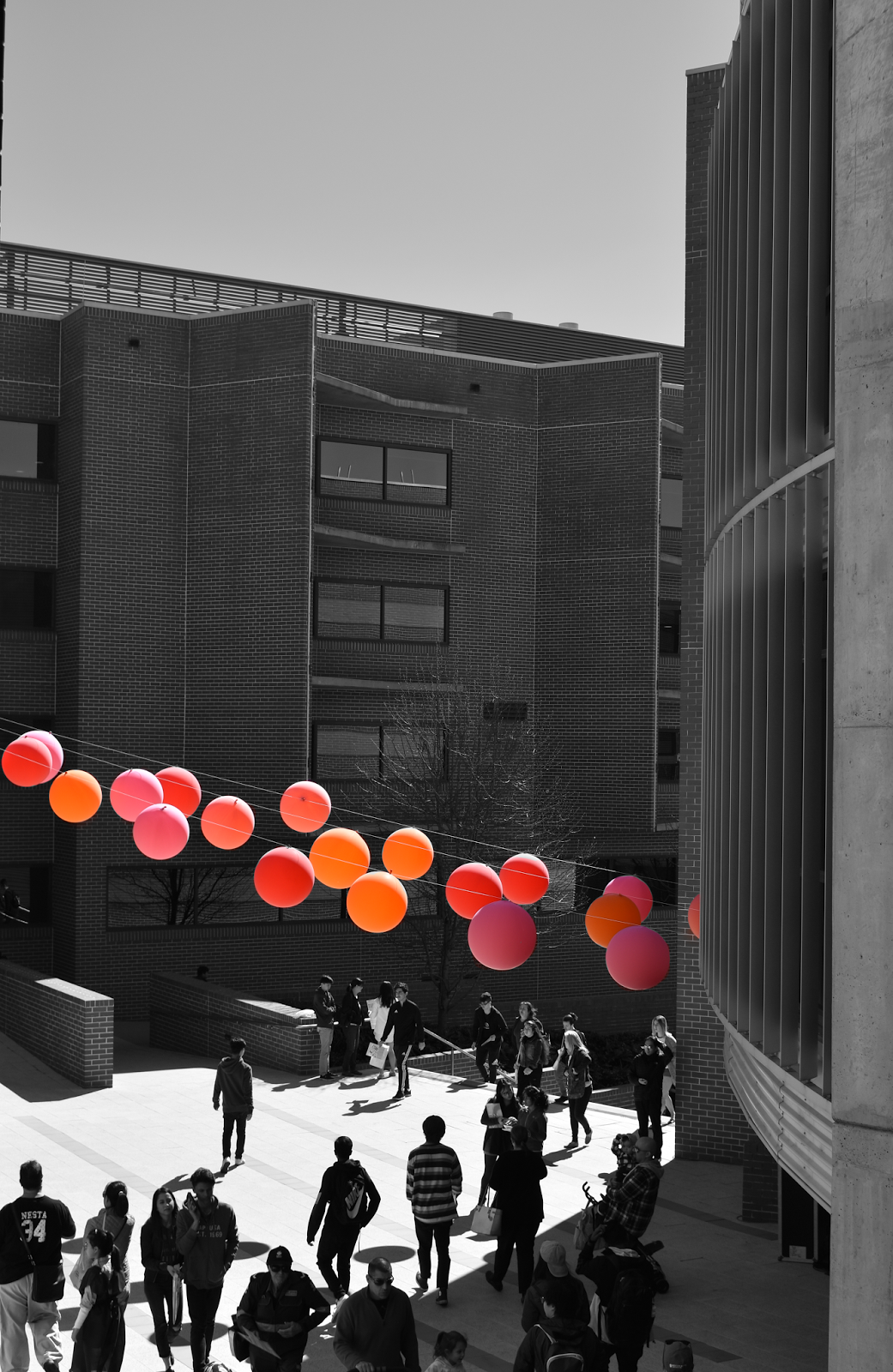
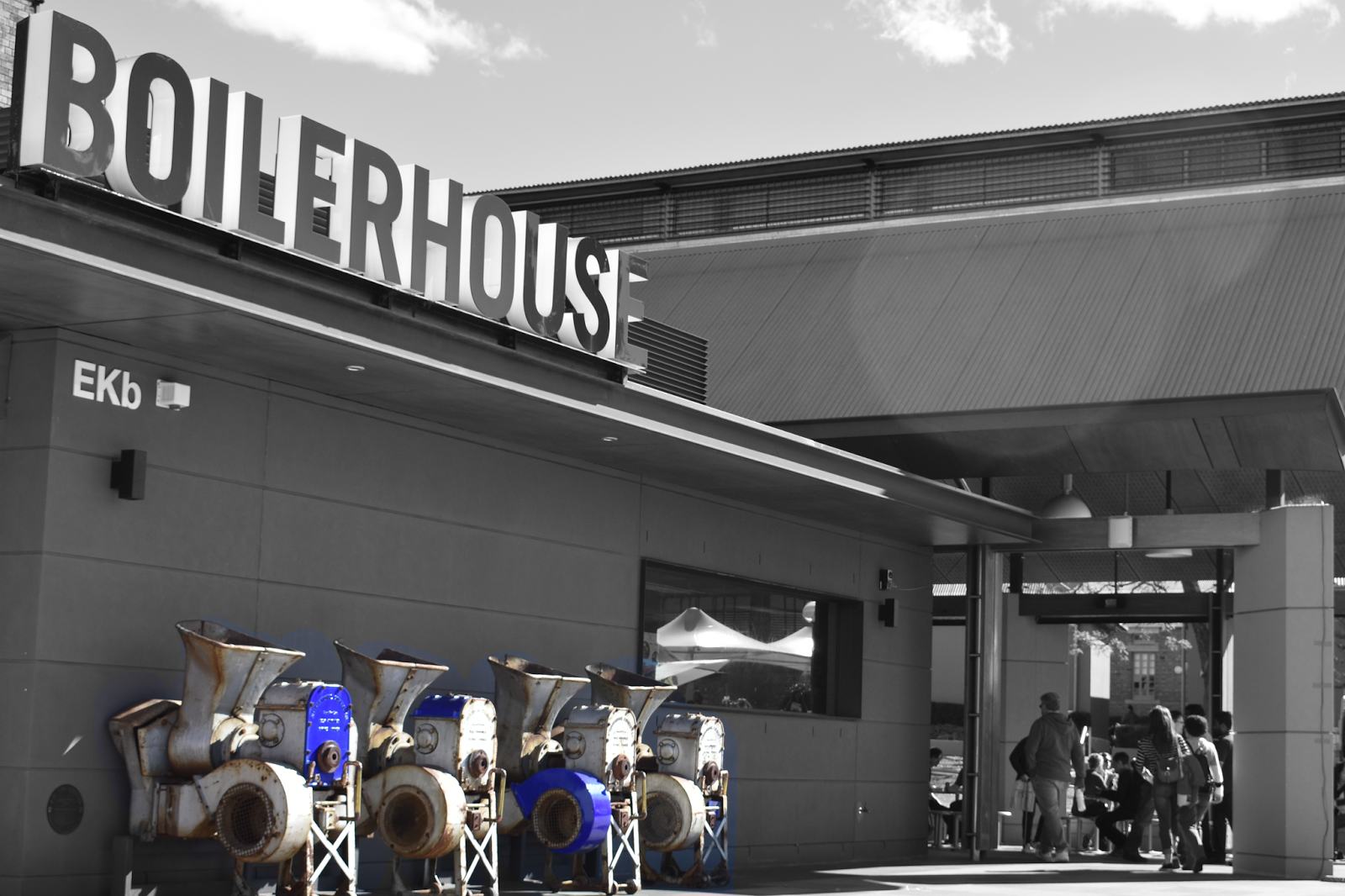
ISO: 100
Shutter Speed: 1/250
Exposure: f/8
Photoshop Edits
Blacks -26
Shadows: +84
Exposure: +0.06
Highlights: -25
Whites: +12
Black and White colour filter used.
Background eraser tool used over the objects to create colour.
Wednesday 11th October
Camera Settings
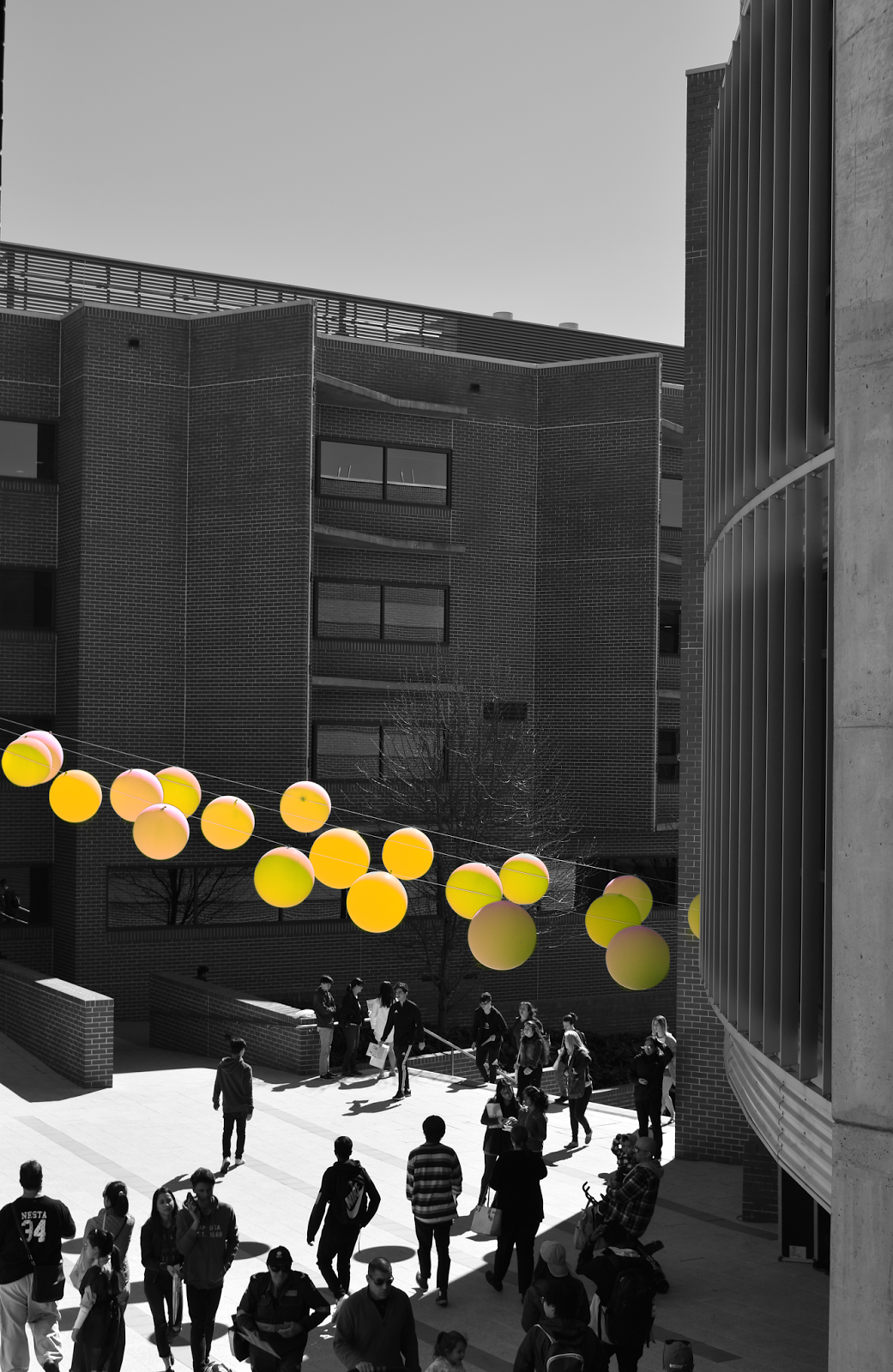
ISO: 100
Shutter Speed: 1/250
Exposure: f/8
Photoshop Edits
Blacks -26
Shadows: +84
Exposure: +0.06
Highlights: -25
Whites: +12
Cropping from bottom right and top left.
Black and White colour filter used.
Background eraser tool used over the balloons to create colour.
Exact image as above, however, using selective colour on the reds panel, I made these adjustments.
Cyan +100%
Magenta -100%
Yellow +58%
Black -24%
ISO: 100
Shutter Speed: 1/250
Exposure: f/8
Photoshop Edits
Blacks -26
Shadows: +84
Exposure: +0.06
Highlights: -25
Whites: +12
Cropping from bottom right and top left.
Black and White colour filter used.
Background eraser tool used over the balloons to create colour.
Exact image as above, however, using selective colour on the reds panel, I made these adjustments.
Cyan +100%
Magenta -100%
Yellow +58%
Black -24%
Monday 10th October
Camera Settings:
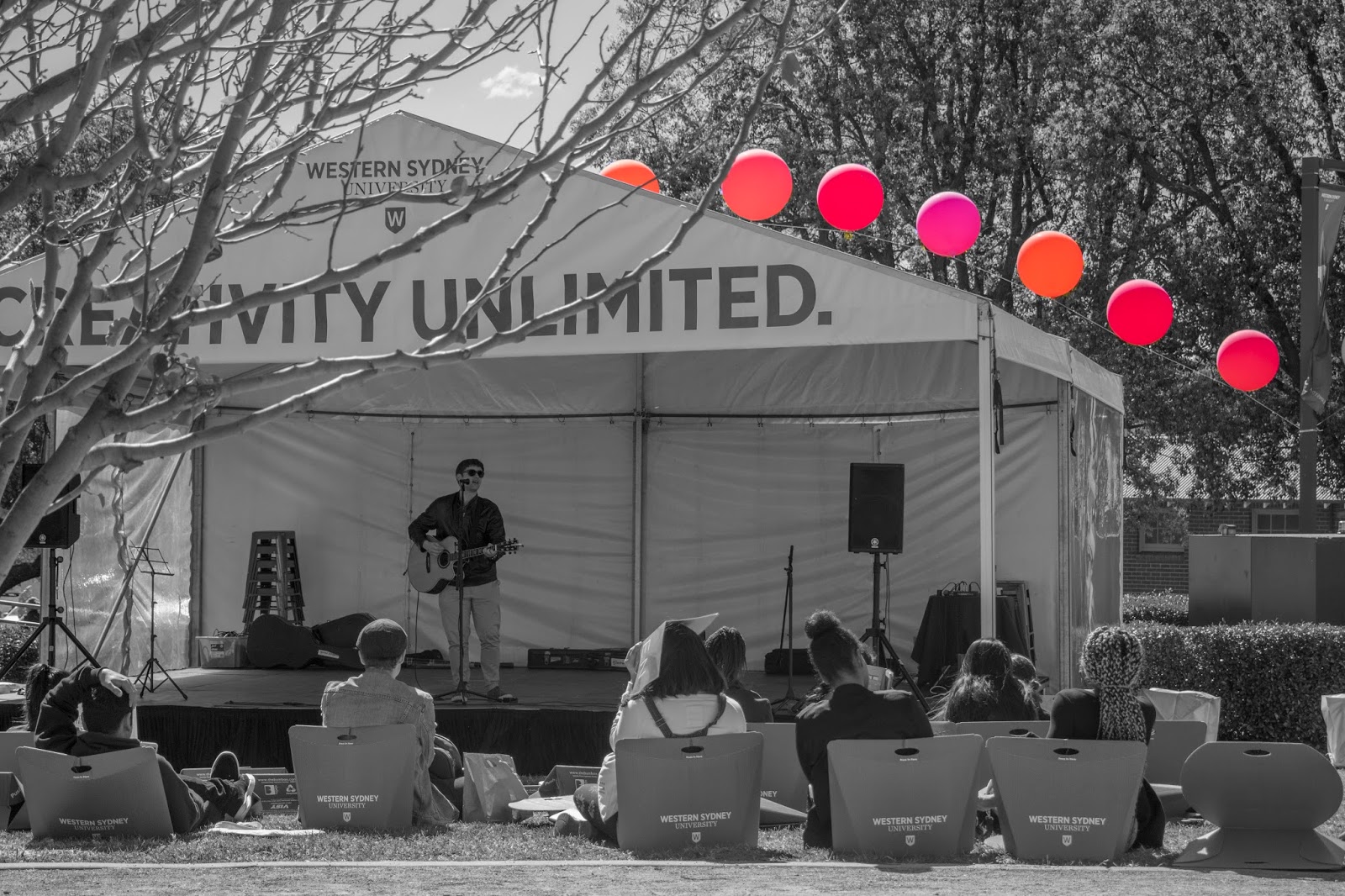
ISO: 200
Shutter Speed: 1/640
Exposure: f/5.6
Photoshop edits
Blacks -31
Shadows: +100
Exposure: +0.10
Highlights: -100
Whites: -27
Cropping from bottom left and top right.
ISO: 200
Shutter Speed: 1/640
Exposure: f/5.6
Photoshop edits
Blacks -31
Shadows: +100
Exposure: +0.10
Highlights: -100
Whites: -27
Cropping from bottom left and top right.
Wednesday 20th September
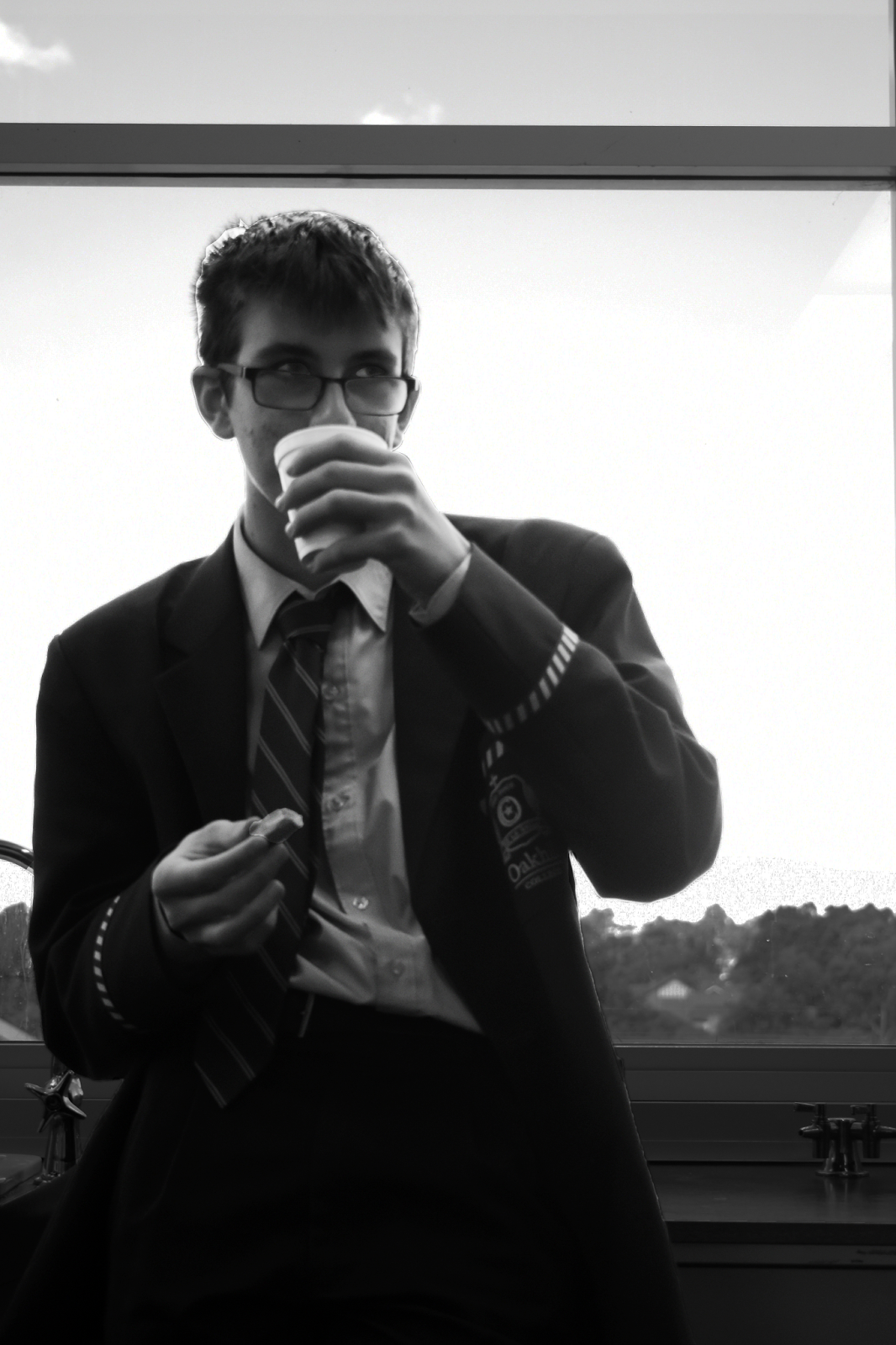
Camera Settings:
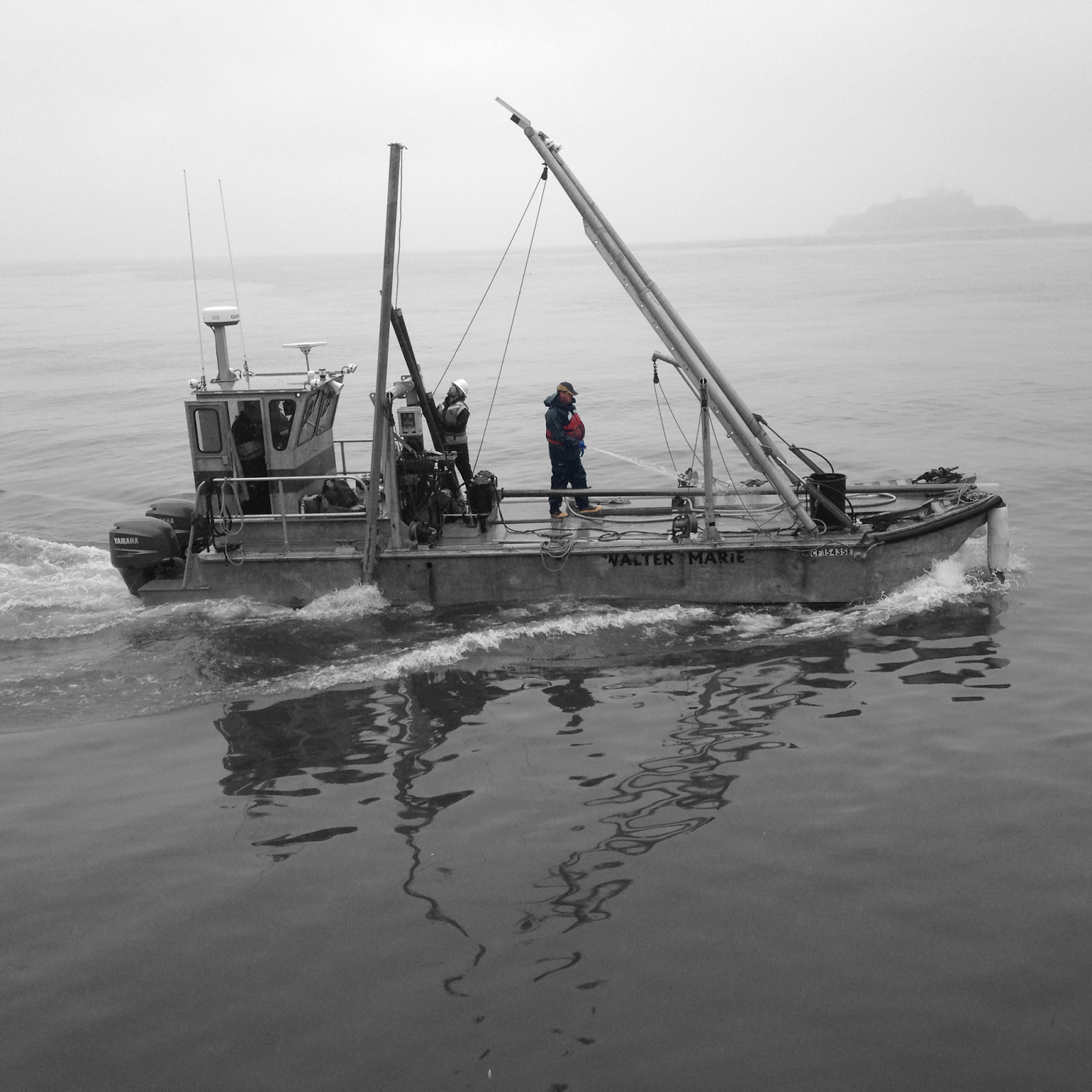
ISO: 50
Shutter: 1/640
F-Stop: f/2.4
Photoshop Edits:
Duplicate the first layer
Black and White Filter
Lasso Tool around the person (twice, because there is a beam that cuts through his body)
Copy the colour layer
Paste the colour layer
ISO: 50
Shutter: 1/640
F-Stop: f/2.4
Photoshop Edits:
Duplicate the first layer
Black and White Filter
Lasso Tool around the person (twice, because there is a beam that cuts through his body)
Copy the colour layer
Paste the colour layer
Monday 19th September
Camera Settings:ISO: 2000
Shutter Speed: 1/125
F-stop: f/4.2
Photoshop edits:
Auto Colour
Auto Contrast
Auto Tone

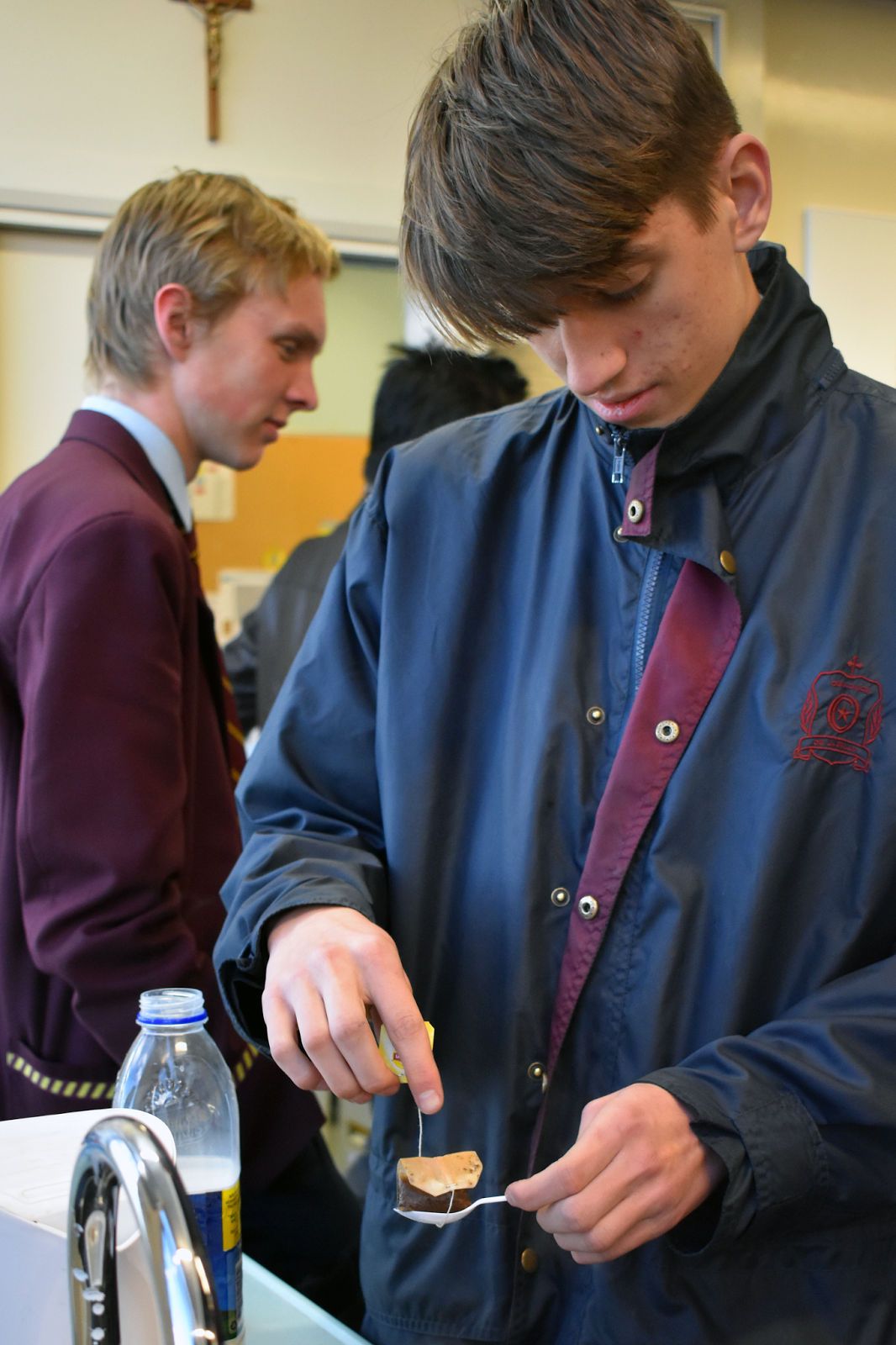
Camera Settings:
ISO: 500
Shutter Speed: 1/250
F-stop: f/4.2
Photoshop edits:
Auto Colour
Auto Contrast
Auto Tone
Cropped.
Friday 15th September
Camera Settings
ISO: 500
Shutter Speed: 1/200
F-Stop: f/5
Photoshop Edits
Duplicate the first layer
Black and White Filter
Lasso Tool around the balloon
Copy the colour layer
Paste the colour layer
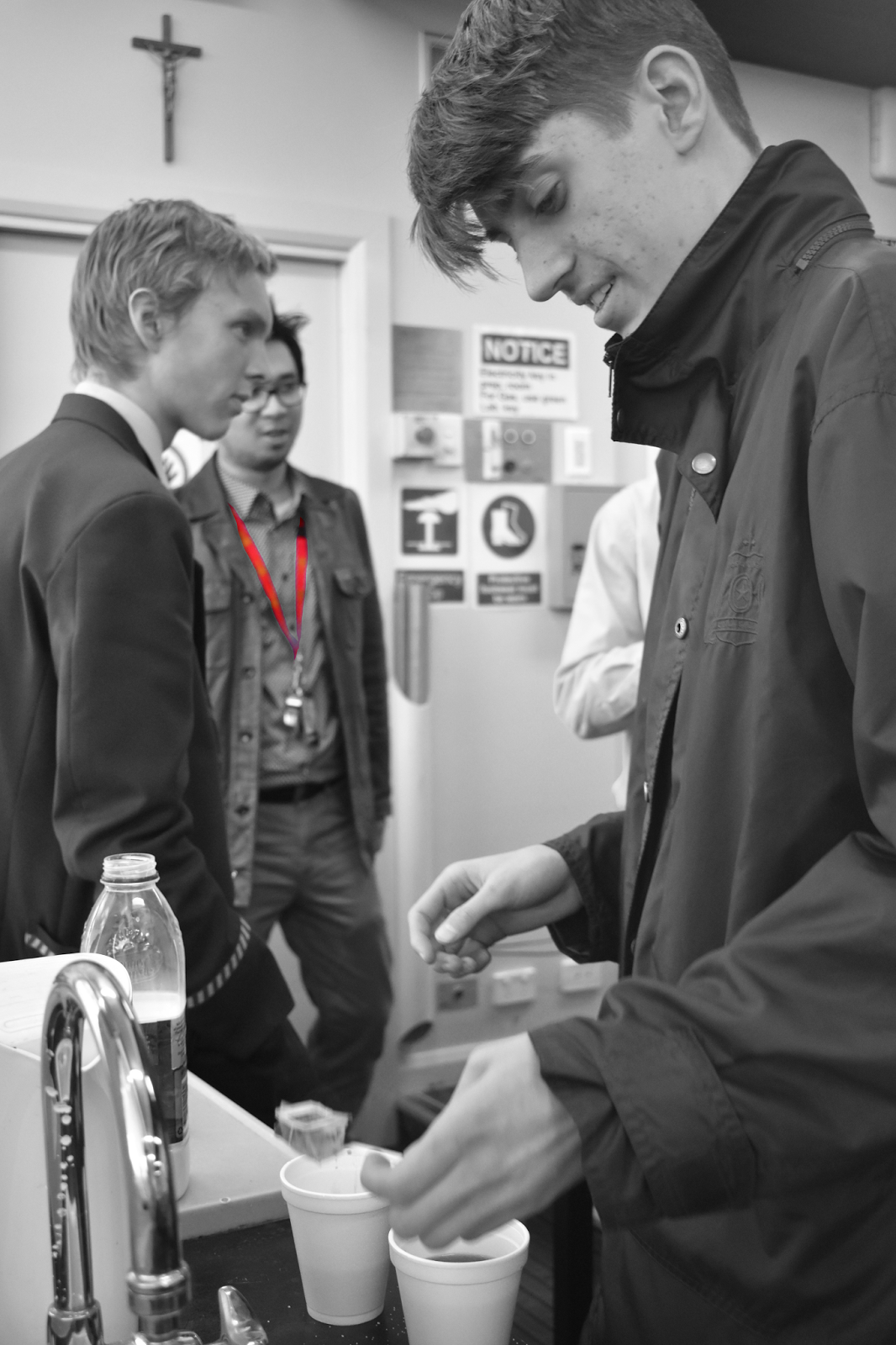
Camera Settings
ISO: 2000
Shutter Speed: 1/125
F-Stop: f/4.2
Photoshop Edits
Duplicate the first layer
Black and White Filter
Lasso Tool around the teachers lanyard
Copy the colour layer
Paste the colour layer
The purpose of these compositions is to draw attention to a specific thing in the photo.
ISO: 500
Shutter Speed: 1/200
F-Stop: f/5
Photoshop Edits
Duplicate the first layer
Black and White Filter
Lasso Tool around the balloon
Copy the colour layer
Paste the colour layer
Camera Settings
ISO: 2000
Shutter Speed: 1/125
F-Stop: f/4.2
Photoshop Edits
Duplicate the first layer
Black and White Filter
Lasso Tool around the teachers lanyard
Copy the colour layer
Paste the colour layer
The purpose of these compositions is to draw attention to a specific thing in the photo.
Thursday 14th September
Camera Settings
ISO: 2000
Shutter: 1/125
F-stop: f/4.2
Photoshop Edits
Auto Tone
Auto Colour
Auto Contrast
Camera Settings
ISO: 1250
Shutter: 1/125
F-stop: f/5.6
Photoshop Edits
Black and White Filter
Auto Tone
Auto Colour
Auto Contrast
ISO: 2000
Shutter: 1/125
F-stop: f/4.2
Photoshop Edits
Auto Tone
Auto Colour
Auto Contrast
Camera Settings
ISO: 1250
Shutter: 1/125
F-stop: f/5.6
Photoshop Edits
Black and White Filter
Auto Tone
Auto Colour
Auto Contrast
Tuesday 12th Sept
Left = original
Right = edited
I asked Ms for help and used to lasso tool to outline the subject. Then I used the Brightness/Contrast to increase the brightness and contrast of the image.
Camera settings:
F-stop: f/5.0
Shutter speed: 1/200
ISO: 800
Edits:
+106 Brightness
+6 contrast
+4 rotation clockwise
Subscribe to:
Posts (Atom)